CipherPaths is a free, lightweight Windows app that unites a password manager and an encrypted file manager. Everything stays on your machine — no cloud, no subscriptions, no compromise.
Most tools guard your logins. CipherPaths guards your logins and your documents, photos, PDFs and notes — all encrypted, all in the same place.
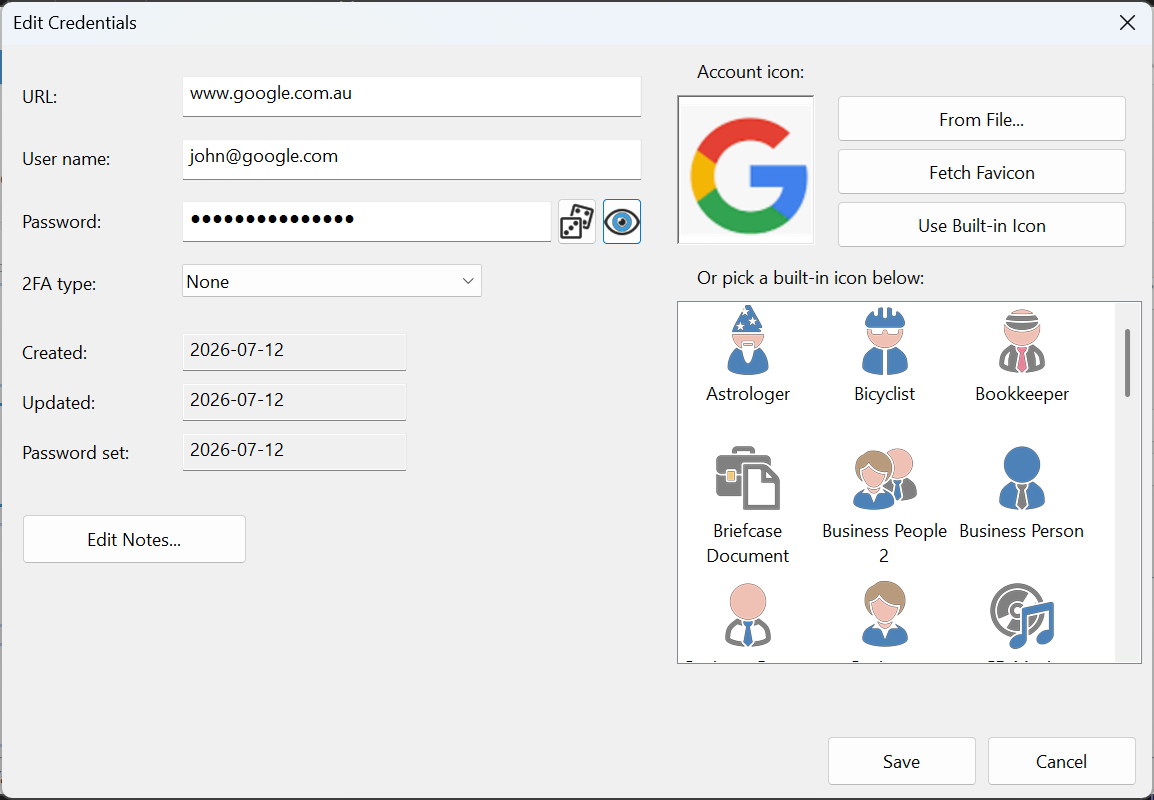
Store web logins, credit cards and contacts. Built-in generator, one-click copy and auto-clearing clipboard.
Drag documents, images and PDFs into your vault. File names and contents become unreadable on disk.
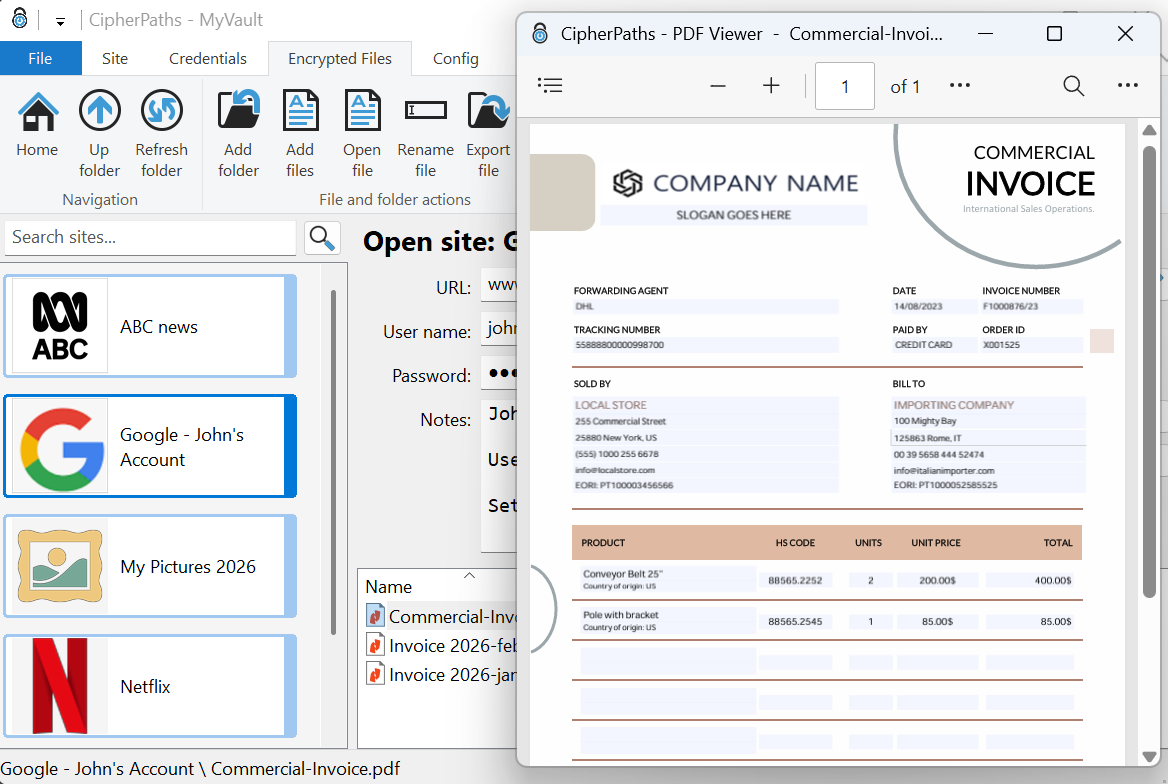
View images and PDFs without ever writing a decrypted copy to disk — everything happens in memory.
No cloud accounts, no telemetry, no subscriptions. Your vault is an ordinary folder that you control.
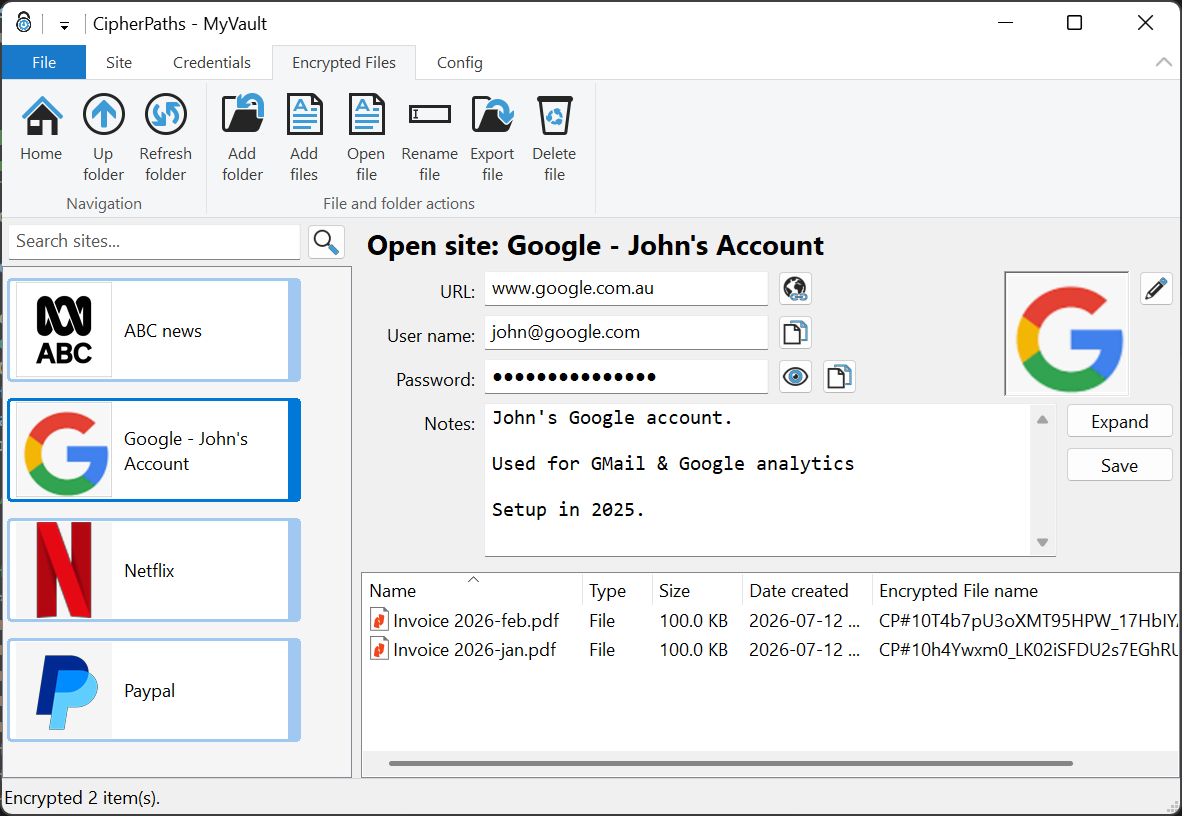
Each account is a colour-coded tile with its own icon. Open one to see its URL, username and password with quick actions to launch, copy and reveal — plus free-form notes and encrypted attachments.
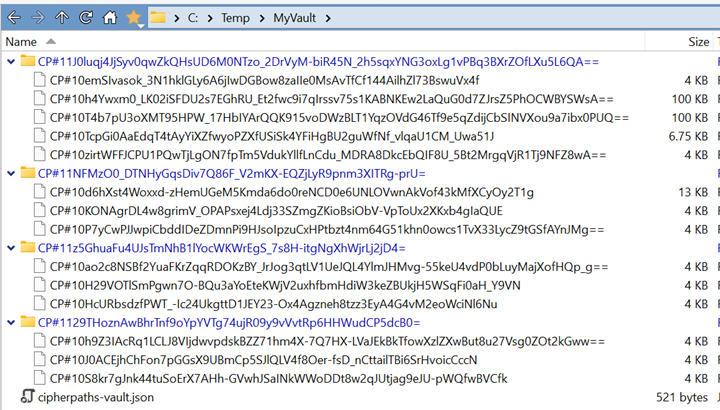
Outside CipherPaths, your files look like random names and unreadable data. Inside, they are organised in familiar folders. Add files by drag & drop and open them in the built-in viewer.
Double-click a document, image or PDF and it opens in a dedicated viewer window. The decrypted data lives only in memory for as long as you need it — nothing plaintext ever touches your drive.
A pragmatic design that keeps you in control of your data.
Your vault is a normal folder in the Windows file system. Keep it on your PC, a USB stick, or optionally sync it with your own cloud drive.
The executable is under 1 MB. No installer required — unzip and run. Multiple instances can even share one vault.
AES-256-GCM with keys derived via PBKDF2 and HKDF, built on the open-source, independently audited OpenSSL library.
Download CipherPaths for Windows — it's free, portable, and takes less than a minute to set up your first vault.