
CipherPaths for Windows
Version 1.0 · Portable ZIP
 Download CipherPaths (.zip)
Download link is a placeholder — hook up your release file here.
Free, portable and ready in seconds. Currently available for Windows.
Version 1.0 · Portable ZIP
Download CipherPaths (.zip)
Download link is a placeholder — hook up your release file here.
Extract the ZIP anywhere you like — a folder, an external drive or a USB stick.
Double-click CipherPaths.exe. There is no installer and nothing is written to your registry beyond your last-used vault path.
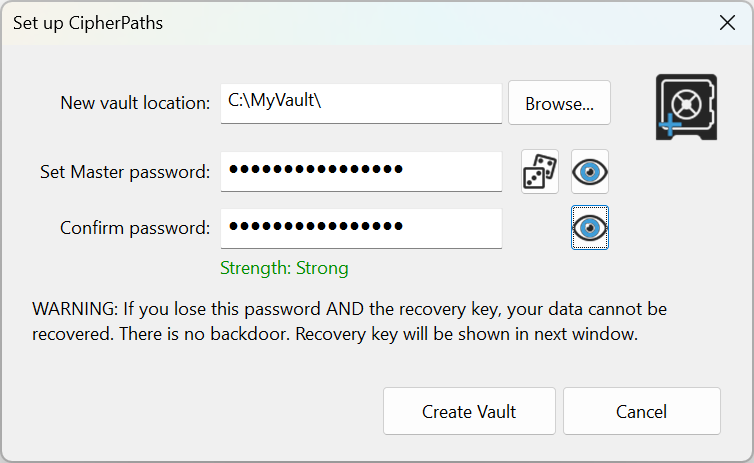
Choose a folder, set a strong master password and save your recovery key somewhere safe.
Create accounts, store credentials and drag in the files you want encrypted. That's it.
CipherPaths.exe — the portable applicationlibcrypto-3-x64.dll — the OpenSSL crypto libraryVerify your download (placeholder hash):
The portable encryption core already builds and runs on Linux, and a command-line tool exists today. A packaged Linux release is planned for the future. macOS is under consideration.